




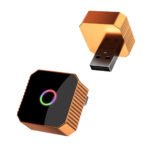

Wireless CarPlay Adapter - Ottocast Mini Cube 3.0

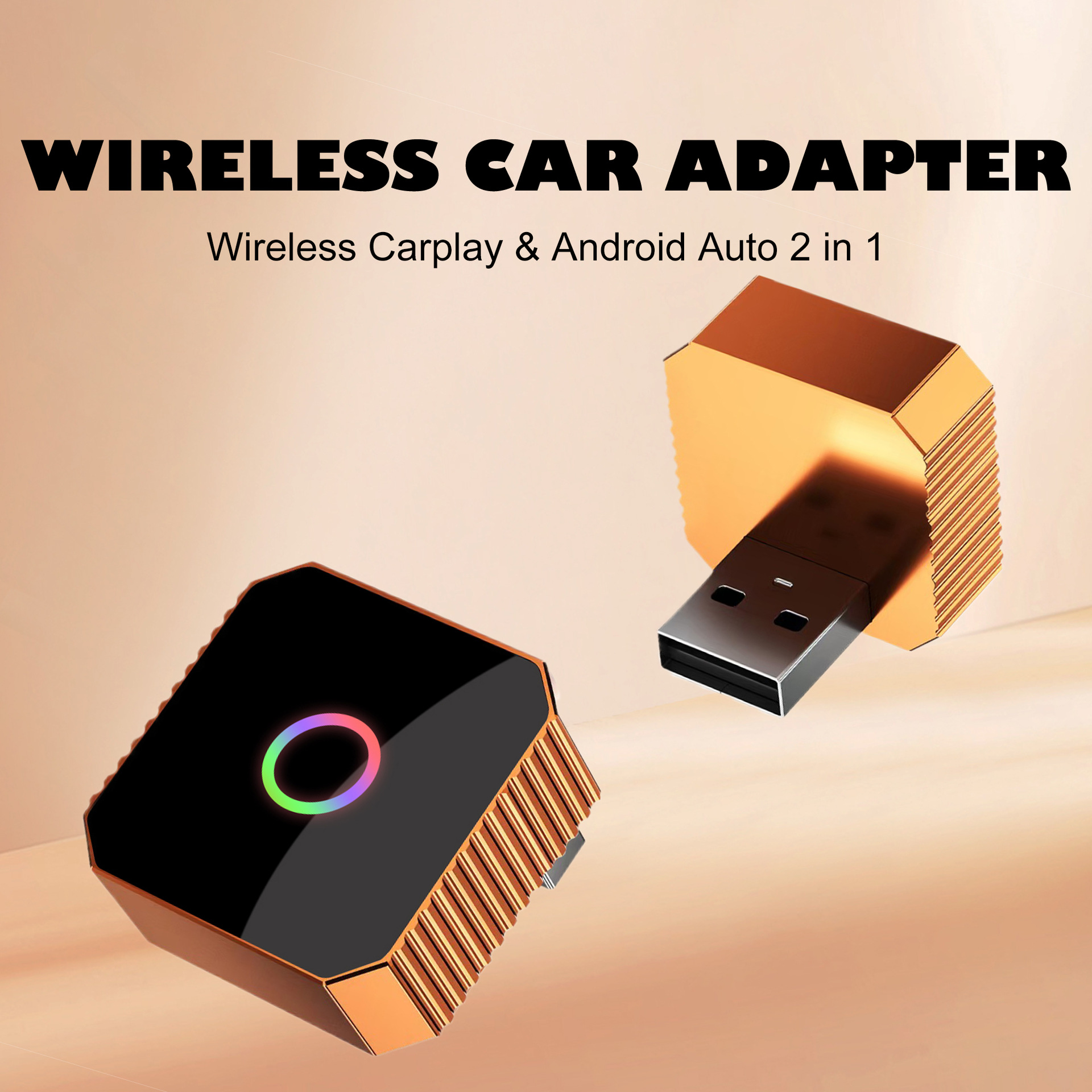
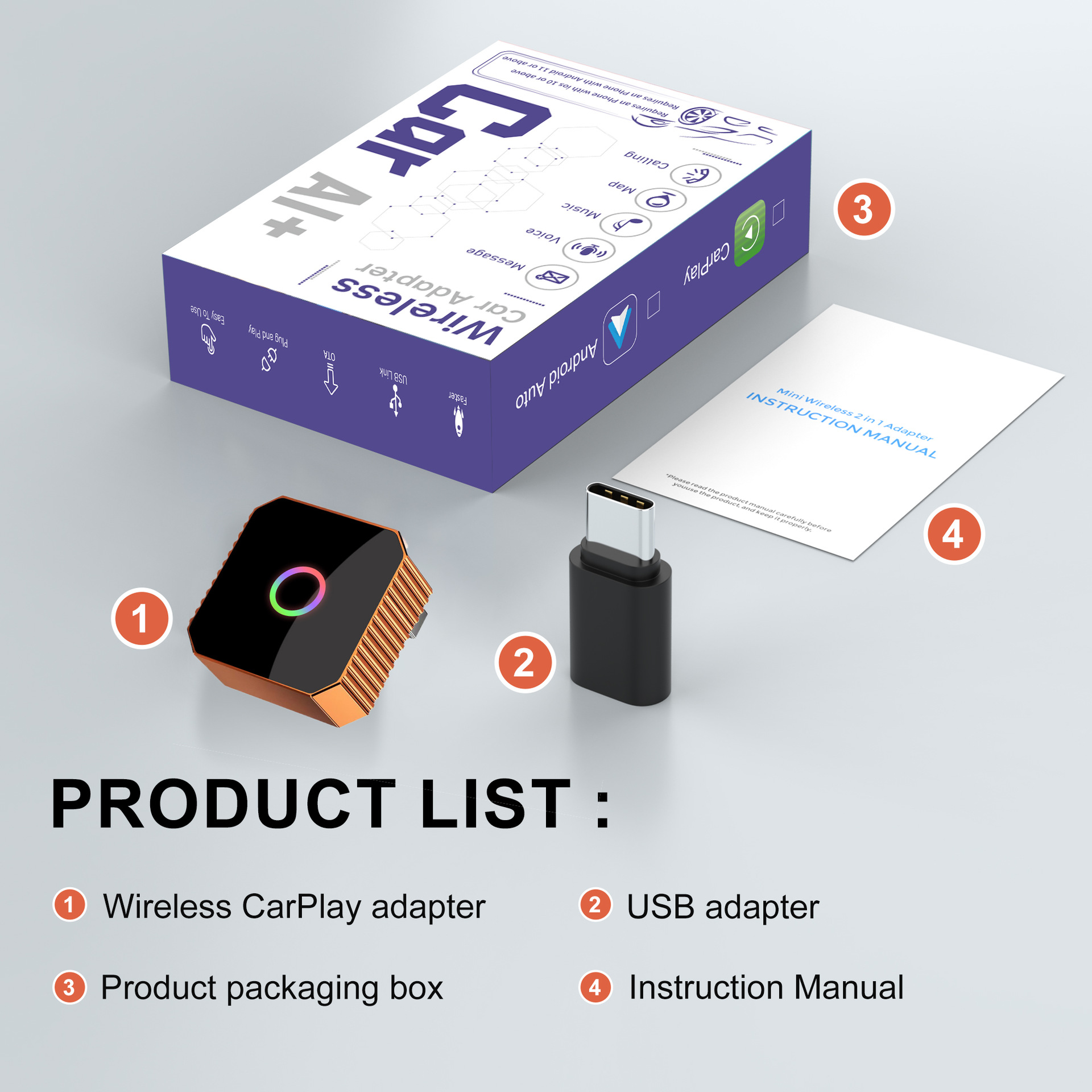
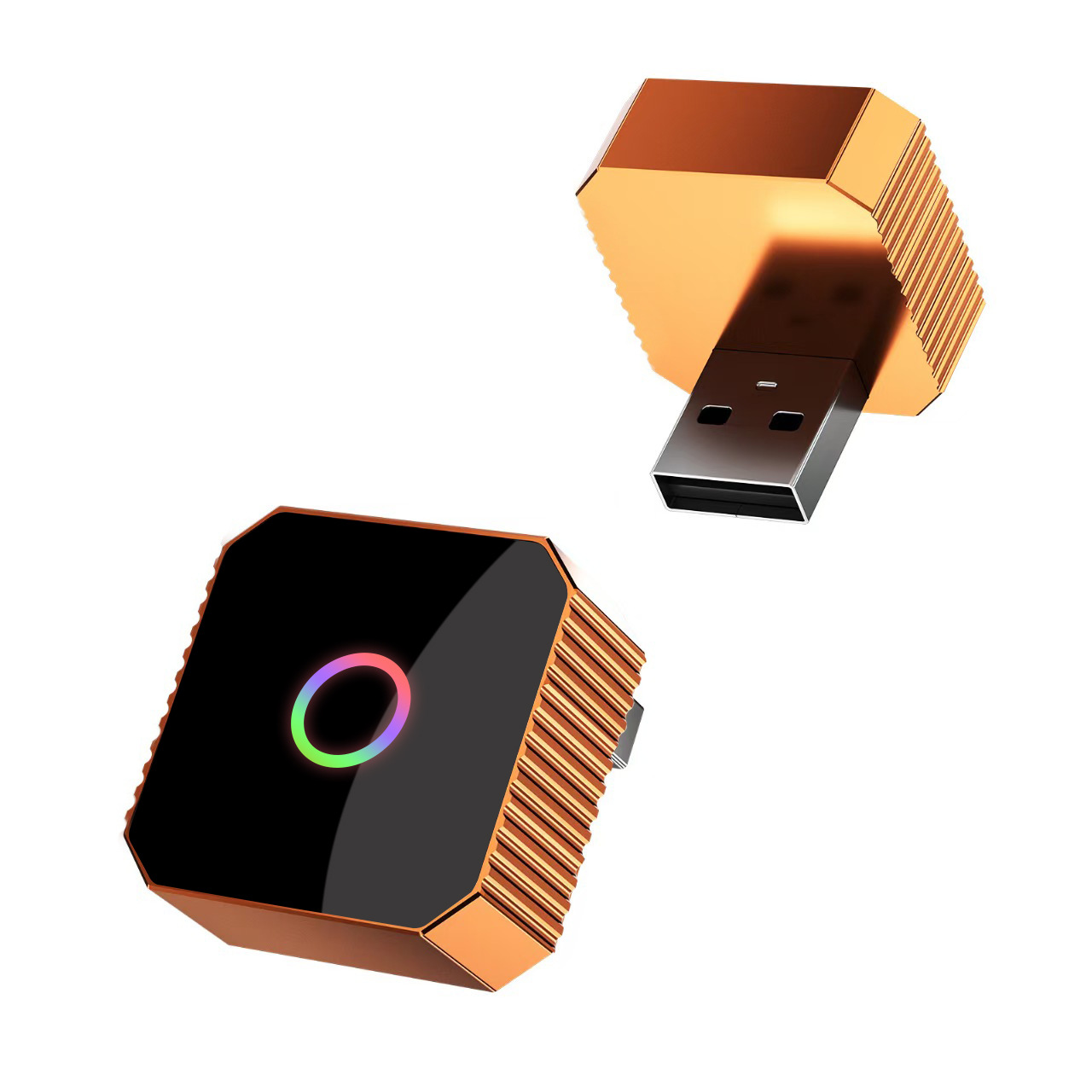
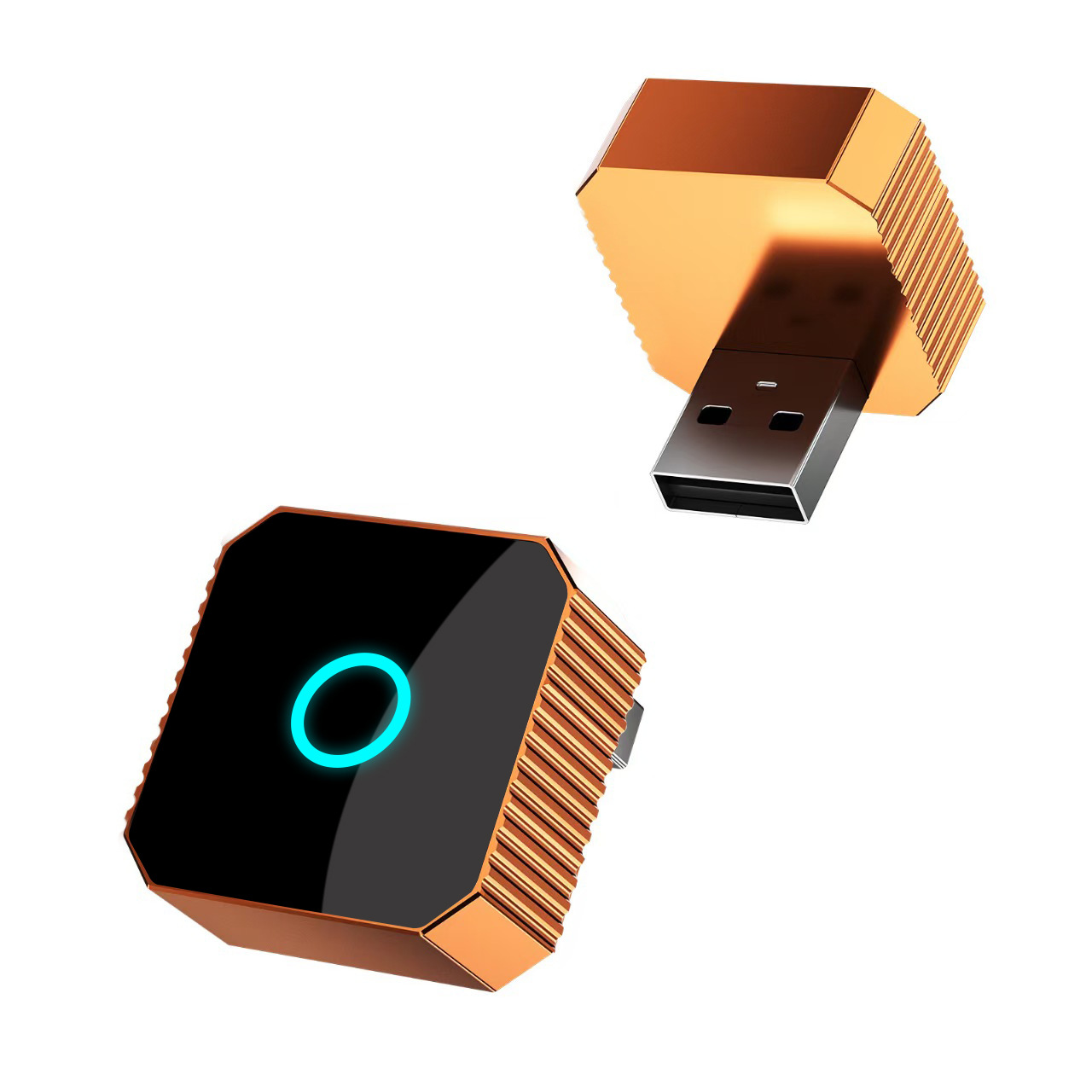
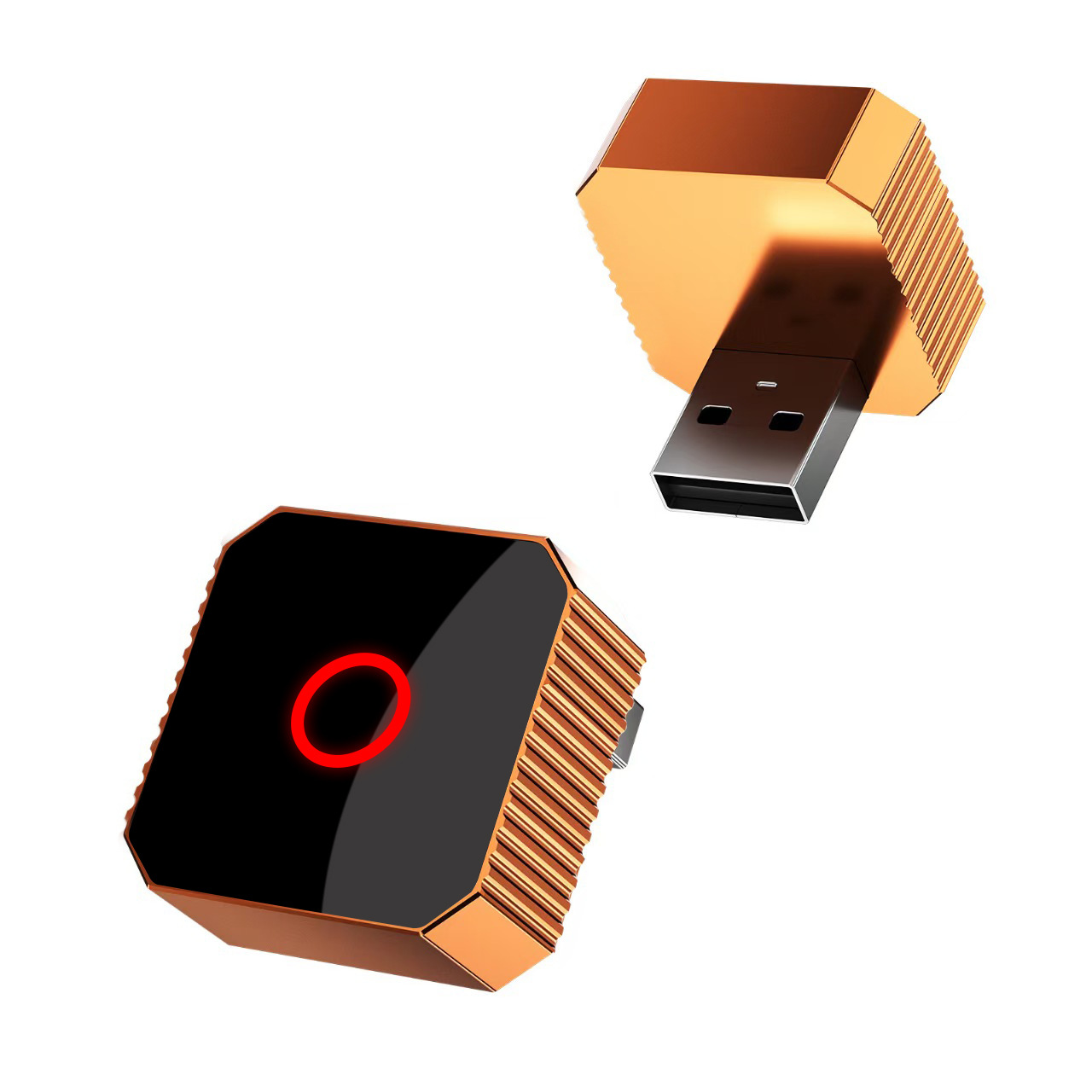
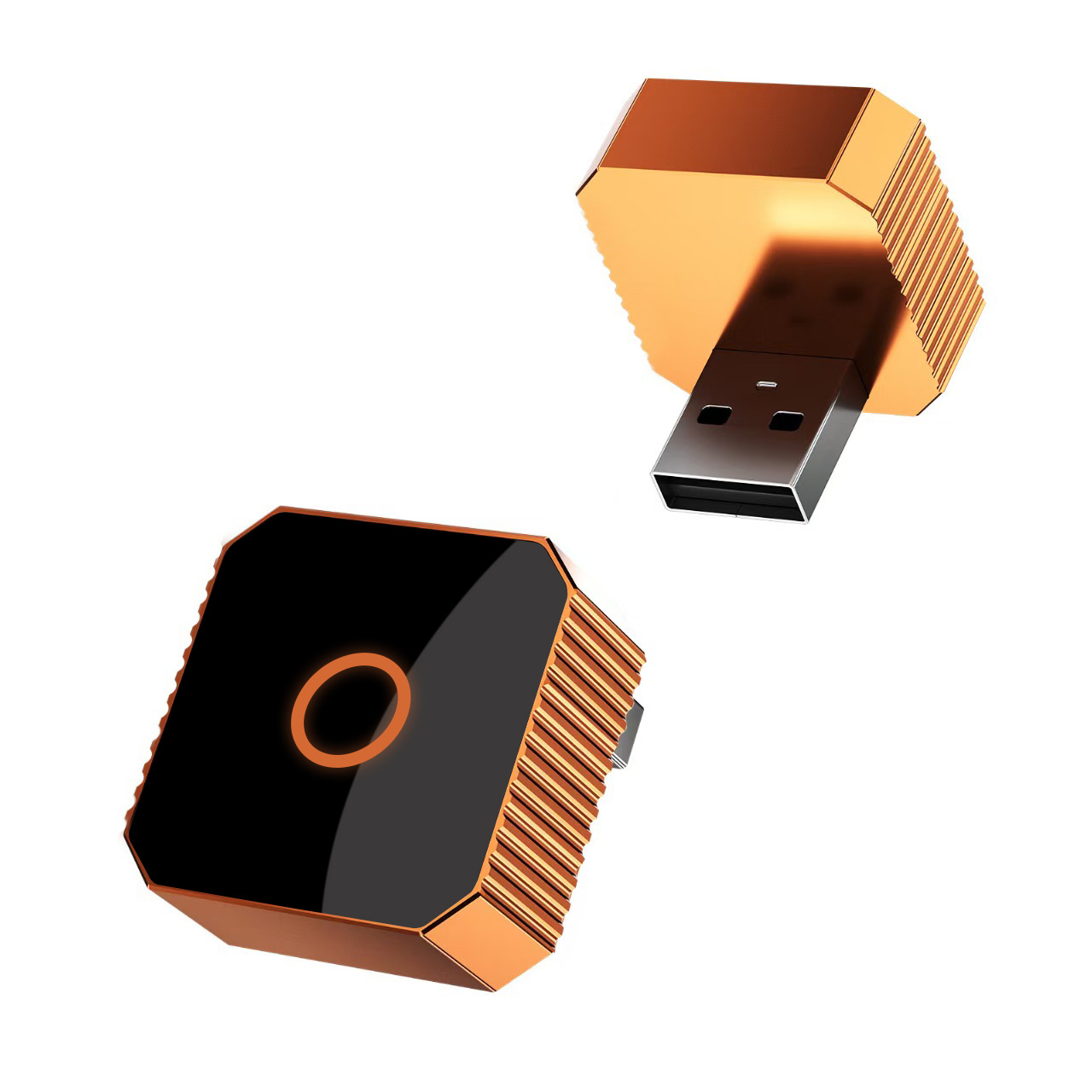
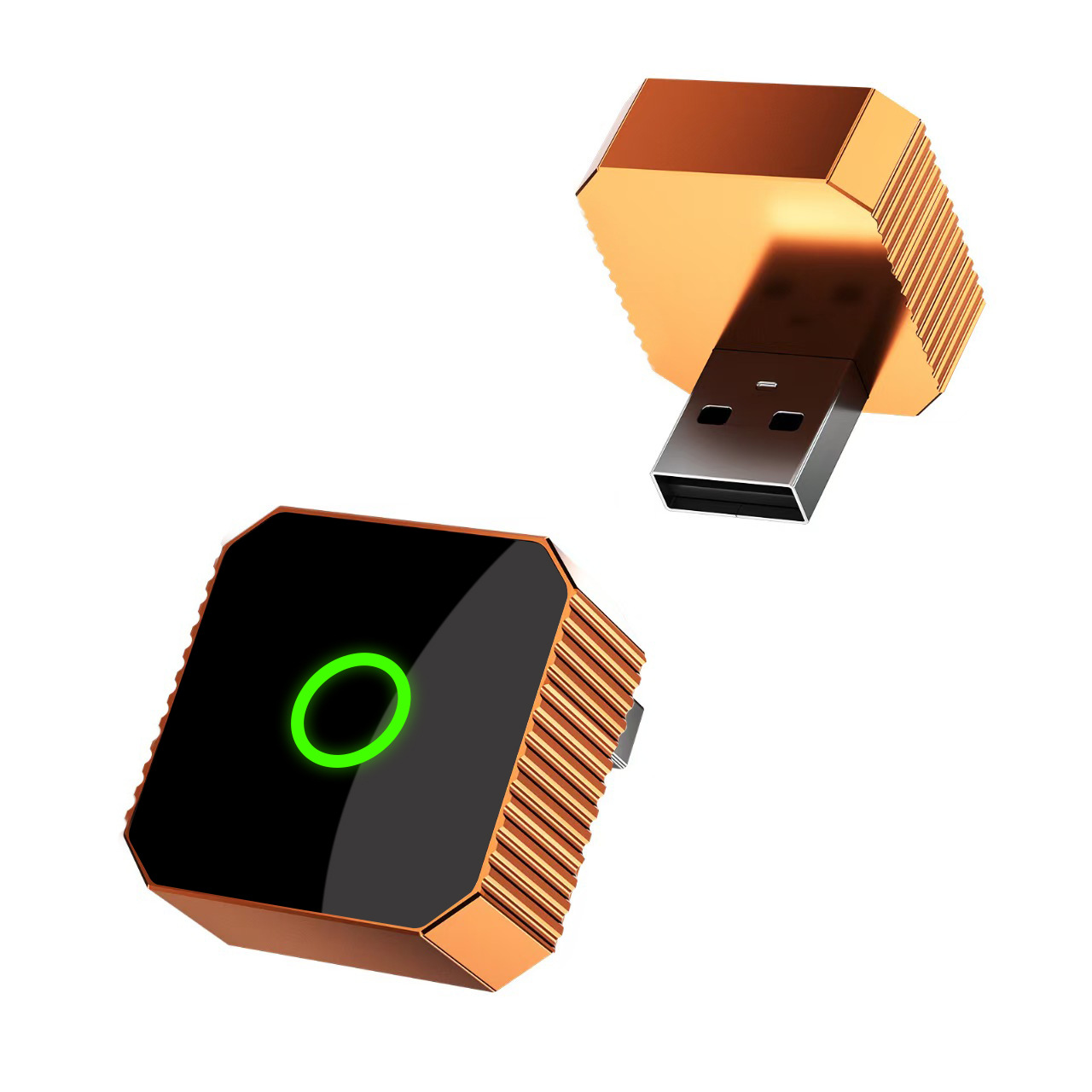
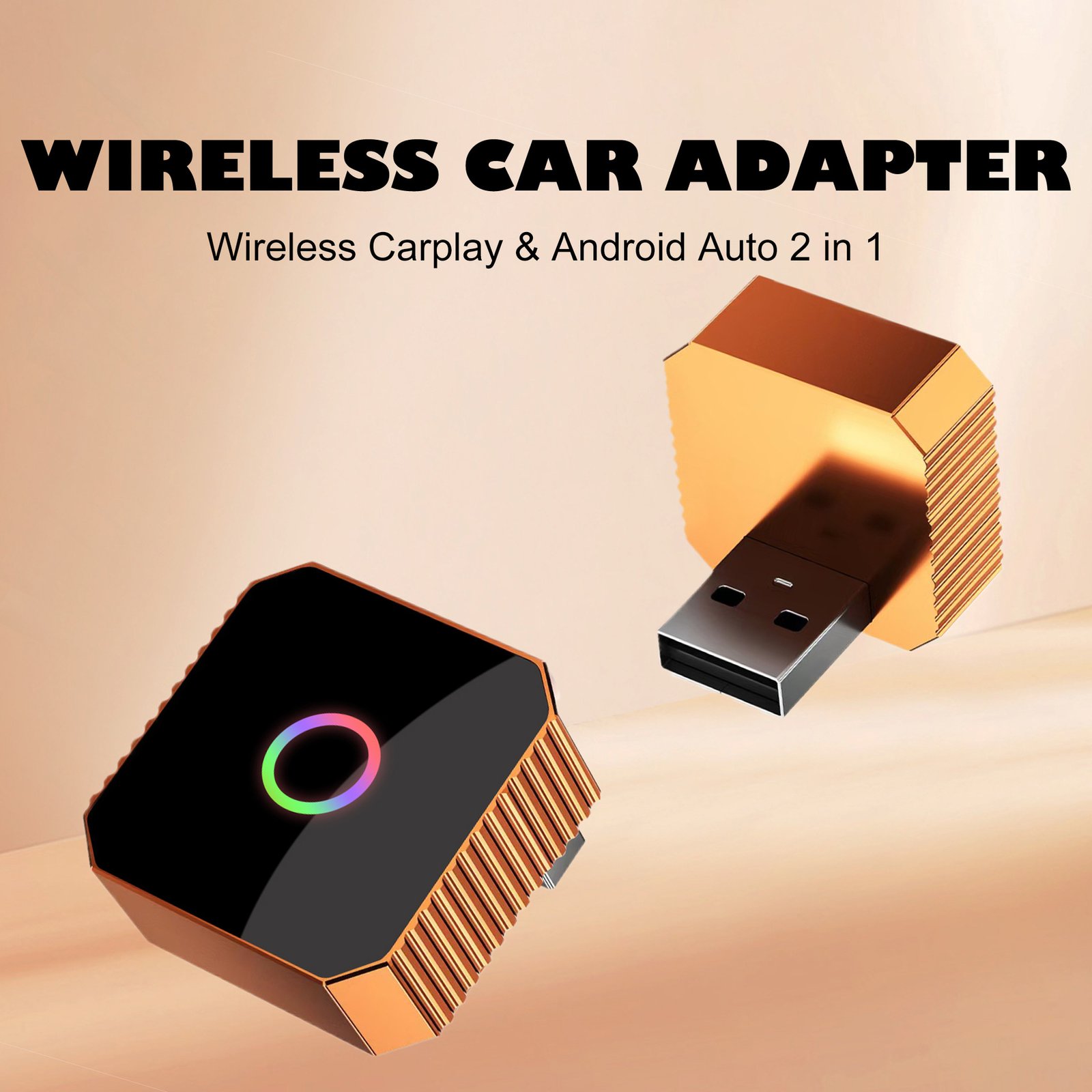
Ottocast Mini Cube 3.0 Wireless CarPlay & Android Auto Adapter Wireless CarPlay Adapter
Core Selling Points
- Stable Connection: Say goodbye to frequent disconnections and enjoy a stable wireless connection every time you drive.
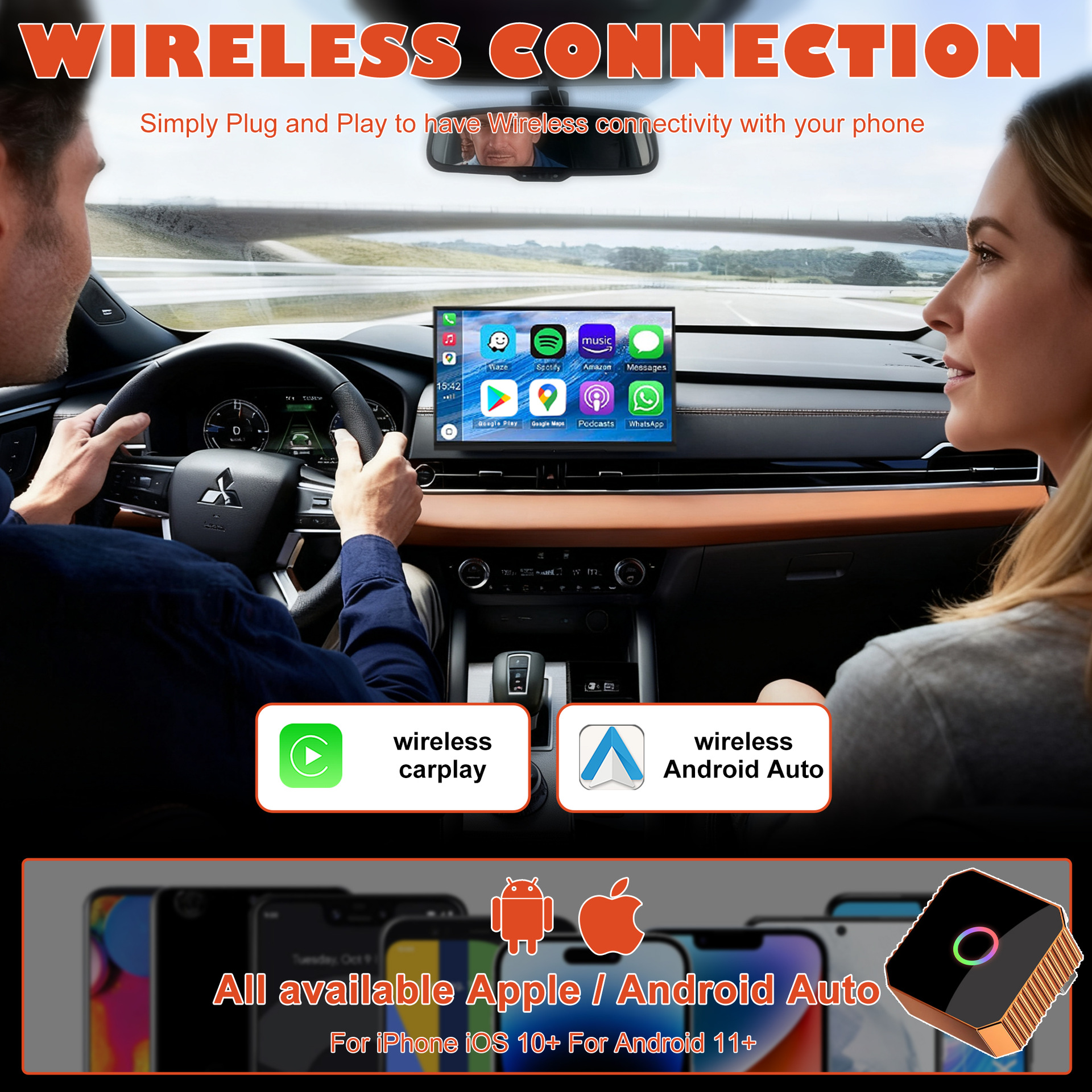
- Wide Compatibility: Compatible with most car models that have wired CarPlay or Android Auto, including iPhone and Android devices.
- High-Quality Audio: Enjoy clear audio for calls and music with no lag or crackling.
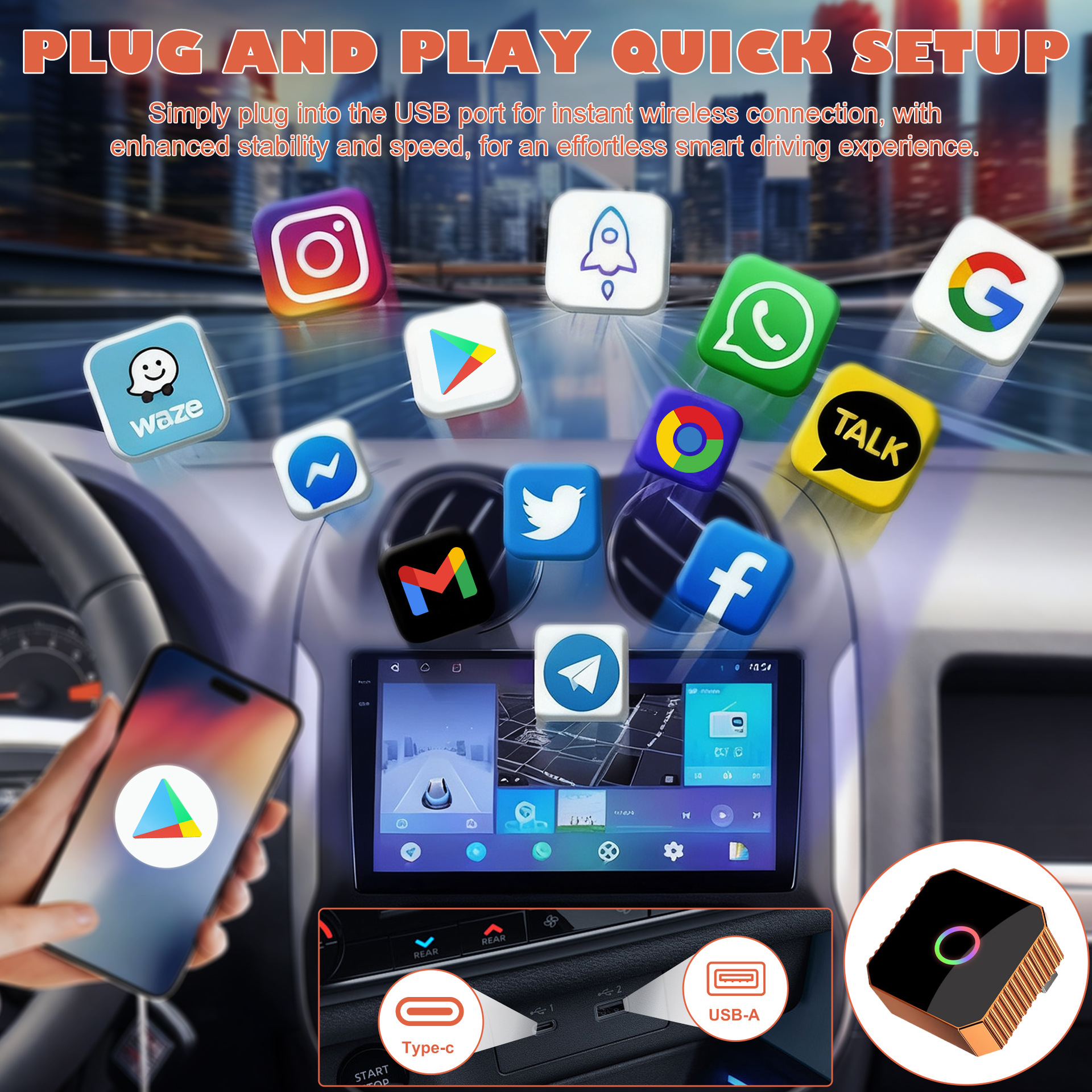
- Easy Setup: Plug and play, no complicated installation required. Pair it with your phone once and it will auto-reconnect every time you start your car.
- Supports Multiple Devices: Pair it with up to two phones and switch between them easily.
Detailed Description
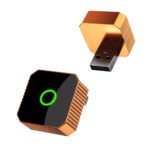
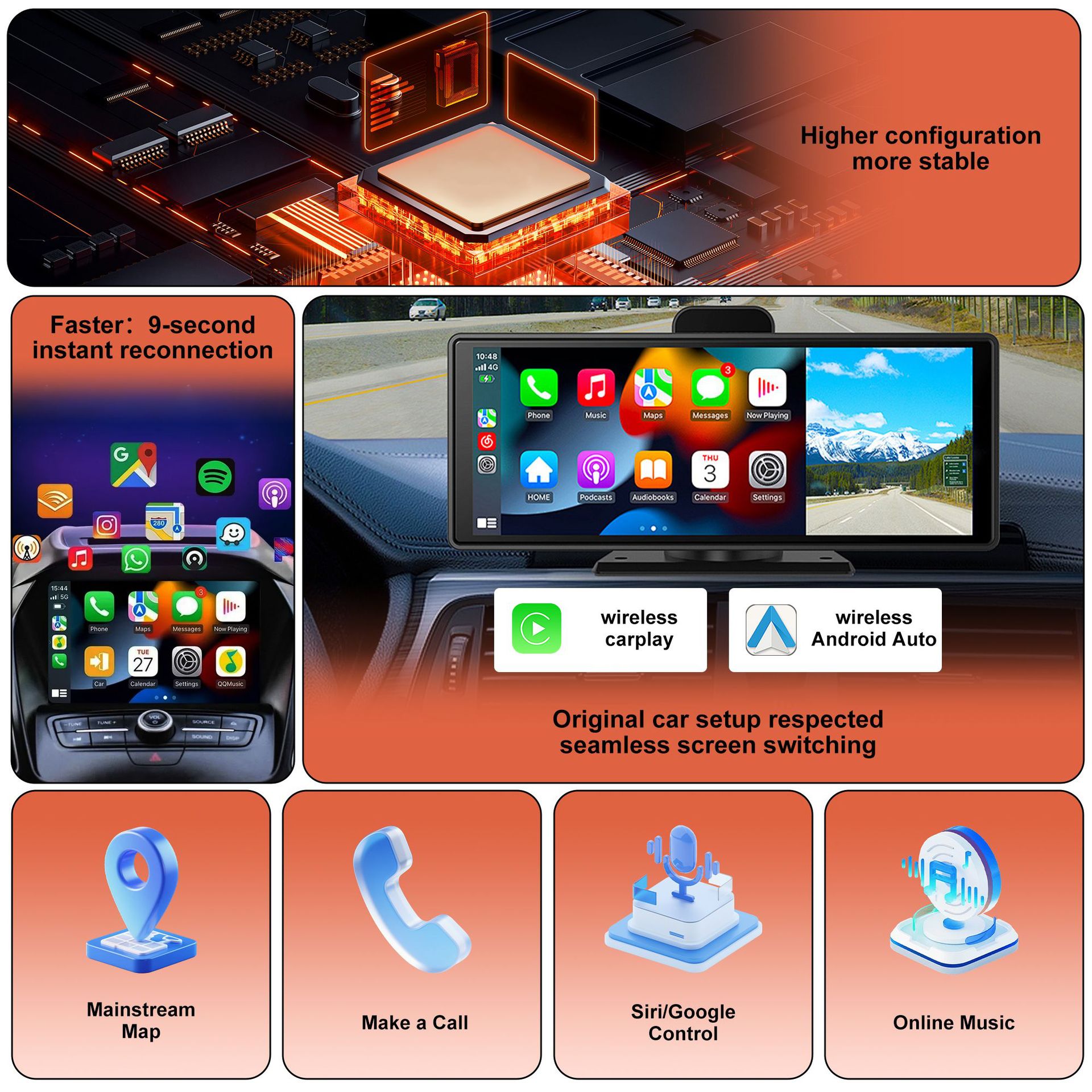
The Ottocast Mini Cube 3.0 Wireless CarPlay & Android Auto Adapter is the perfect solution for anyone who wants to enjoy the convenience of wireless CarPlay or Android Auto in their car. It converts your wired CarPlay/Android Auto to wireless in seconds, allowing you to use your favorite apps like Maps, Music, and Calls without the hassle of cables.
With its stable connection and wide compatibility, you can be sure that the Ottocast Mini Cube 3.0 will work seamlessly with your car and phone. It supports multiple devices, so you can switch between your iPhone and Android phone easily. The auto-reconnect feature ensures that you don’t have to pair your phone every time you start your car.
The Ottocast Mini Cube 3.0 also offers high-quality audio for calls and music, so you can enjoy clear sound without any lag or crackling. It’s easy to set up and use, with no complicated installation required. Simply plug it into your car’s USB port, pair it with your phone via Bluetooth, and follow the on-screen instructions.
Technical Specifications
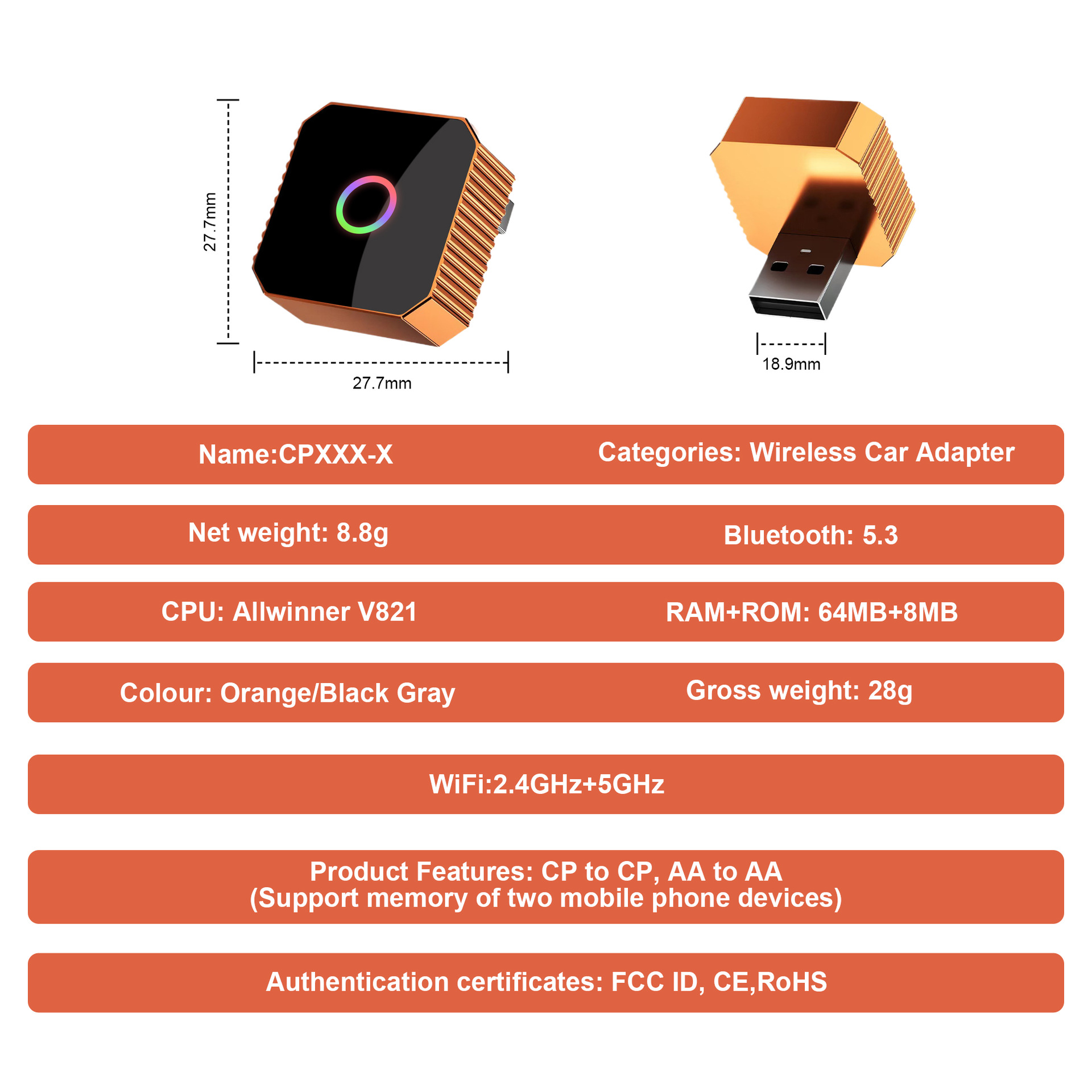
| Specification | Value |
|---|---|
| Compatibility | iPhone with iOS 10+, Android with Android 11+ |
| Connection | Bluetooth 4.2, Wi-Fi 2.4GHz/5GHz |
| Power | USB 5V/1A |
| Size | 20mm x 20mm x 23mm |
| Weight | 7.6g |
Questions about Ottocast Mini Cube 3.0

Fast Shipping
Carrier information

20k products
Payment methods

24/7 Support
Unlimited help desk

2-day Delivery
Track or off orders



Ottocast Mini Cube 3.0 Wireless CarPlay & Android Auto Adapter Wireless CarPlay Adapter
Core Selling Points
- Stable Connection: Say goodbye to frequent disconnections and enjoy a stable wireless connection every time you drive.
- Wide Compatibility: Compatible with most car models that have wired CarPlay or Android Auto, including iPhone and Android devices.
- High-Quality Audio: Enjoy clear audio for calls and music with no lag or crackling.
- Easy Setup: Plug and play, no complicated installation required. Pair it with your phone once and it will auto-reconnect every time you start your car.
- Supports Multiple Devices: Pair it with up to two phones and switch between them easily.
Detailed Description
The Ottocast Mini Cube 3.0 Wireless CarPlay & Android Auto Adapter is the perfect solution for anyone who wants to enjoy the convenience of wireless CarPlay or Android Auto in their car. It converts your wired CarPlay/Android Auto to wireless in seconds, allowing you to use your favorite apps like Maps, Music, and Calls without the hassle of cables.
With its stable connection and wide compatibility, you can be sure that the Ottocast Mini Cube 3.0 will work seamlessly with your car and phone. It supports multiple devices, so you can switch between your iPhone and Android phone easily. The auto-reconnect feature ensures that you don’t have to pair your phone every time you start your car.
The Ottocast Mini Cube 3.0 also offers high-quality audio for calls and music, so you can enjoy clear sound without any lag or crackling. It’s easy to set up and use, with no complicated installation required. Simply plug it into your car’s USB port, pair it with your phone via Bluetooth, and follow the on-screen instructions.
Technical Specifications
| Specification | Value |
|---|---|
| Compatibility | iPhone with iOS 10+, Android with Android 11+ |
| Connection | Bluetooth 4.2, Wi-Fi 2.4GHz/5GHz |
| Power | USB 5V/1A |
| Size | 20mm x 20mm x 23mm |
| Weight | 7.6g |
评价
There are no reviews yet